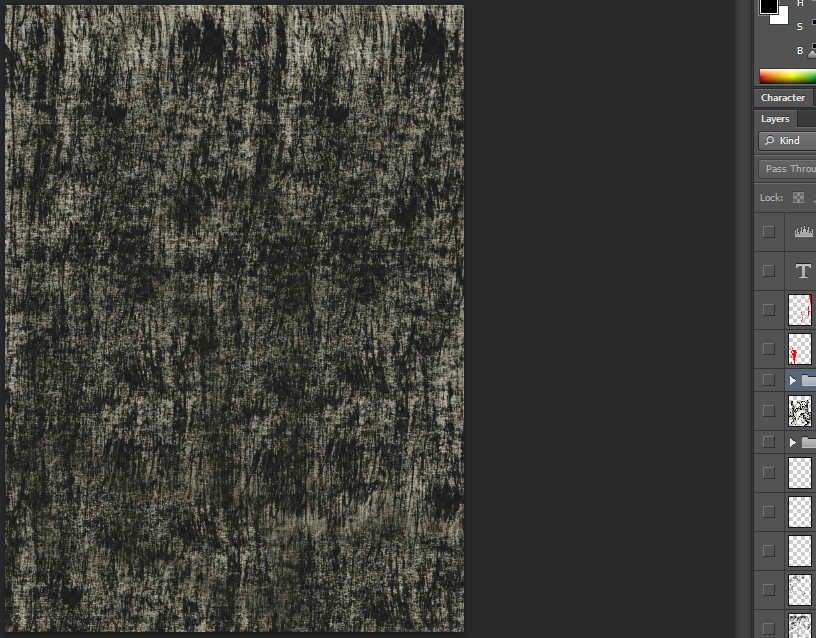
Once the drawing aspects of my lyrics book had been done I then went to scan in my drawings onto my laptop. Once the scanning process was complete, I started to move everything into Photoshop. Grabbing one of the brush strokes from my sketchbook sheet and dragging it onto a new document. This brush stroke was darkened slightly and the levels where changes on that specific layer before I began duplicating it. I duplicated the single brush stroke several times to archive the pattern you can see in the screenshot below.
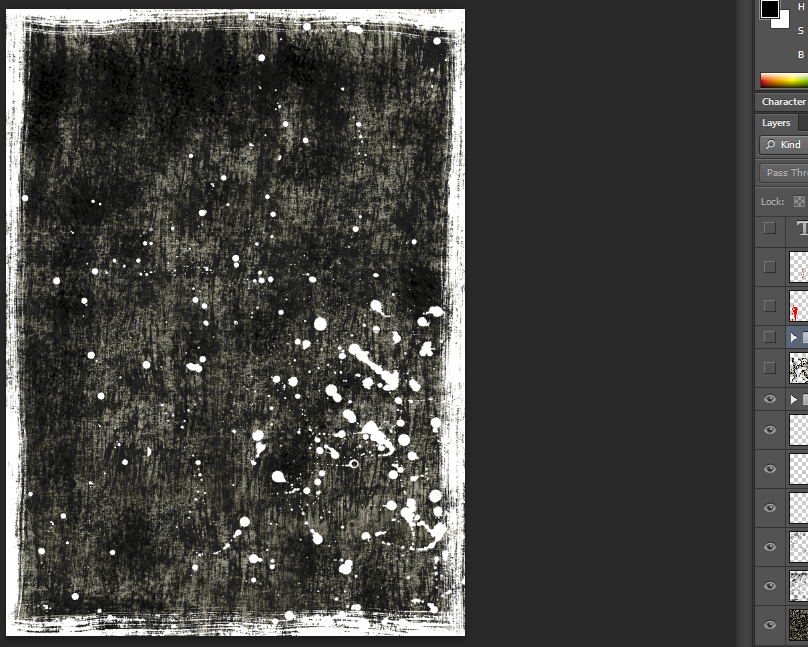
Once background layer was finished. I started by dragging and dropping ink droplets onto my new document in Photoshop. Once this was completed I changed the colour of the ink droplets from black to white and placed them in the bottom right-hand corner of my document. The ink droplet layer was then placed above the background layer, if this was not done you wouldn't be able to see the new layer. I also took a brush stroke from my sketchbook and placed it onto the Photoshop document above the background and the ink droplets and turned the hue from black to white. I then drag the brush stroke to the corners and edges of my document, this in turn created a border effect.
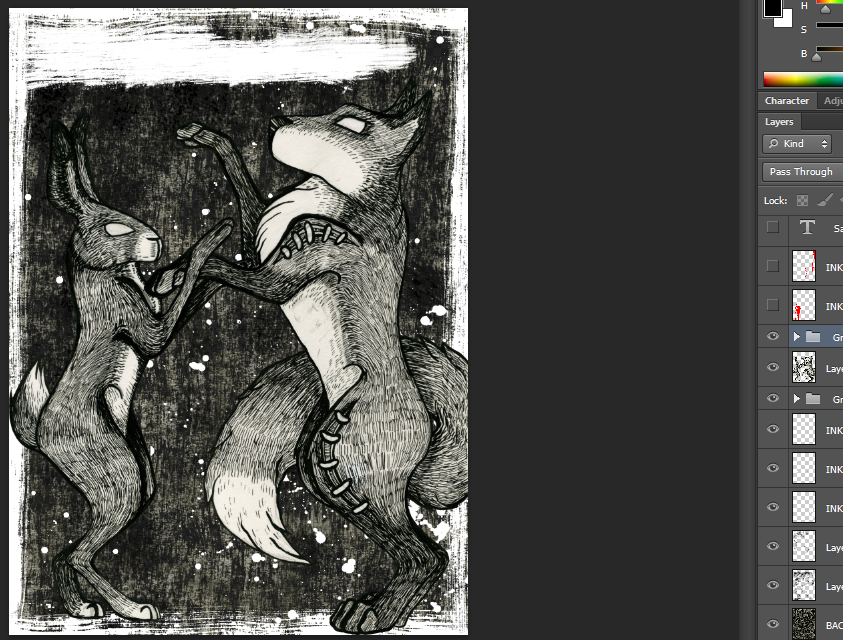
I then opened my previously made illustration in Photoshop and removed the background. Once this was complete I dragged and dropped the illustrated ontop of my background layer. I changed the levels and saturation of the illustration in order to make the tones match with the rest of the image. Once this was complete, I took another brush stroke from my sketchbook, turned it white and placed at at the top of my document. This is where I will put the song lyrics.
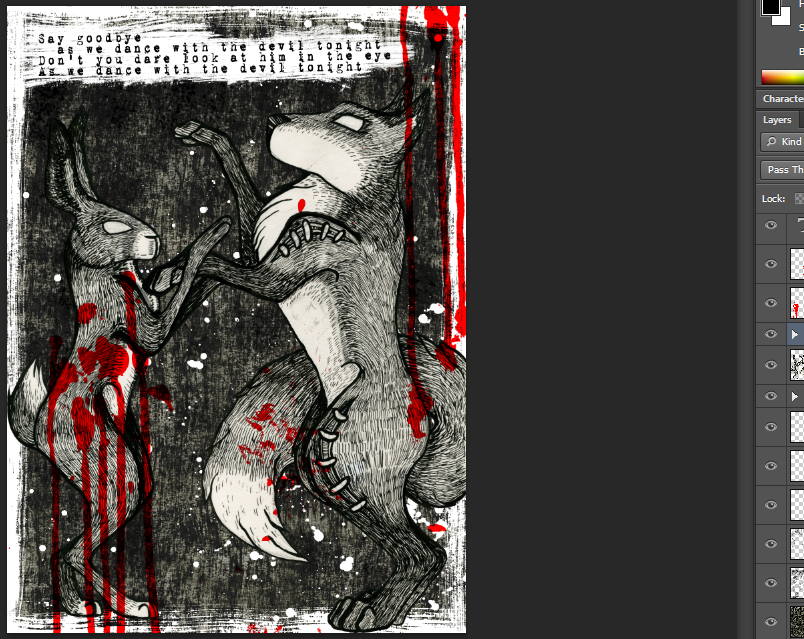
Finally I took some ink droplets which I'd purposely let run down my sketchbook page and turned them from black to red. This effect was to give my illustrated lyrics some more meaning and concept. As the lyrics mention " say goodbye as you dance with the devil tonight " the illustration emplies predator and prey dancing together. The 'blood' effect was added over the prey animal in order to demonstrate the danger in its actions.
Once again this process was the same for all my Illustrations and their creation process and editing in Photoshop.
Once again this process was the same for all my Illustrations and their creation process and editing in Photoshop.

No comments:
Post a Comment